A good budget mechanical keyboard can make long workdays feel smoother—fewer typos, less finger fatigue, and a typing feel that’s actually satisfying. The trick is picking one that’s solid and clean, not loud or flashy.
Disclosure: Some links may be affiliate links. As an Amazon Associate I earn from qualifying purchases.
Introduction
For productivity, you want a keyboard that feels stable, types consistently, and won’t distract you in a shared space. The best “budget” boards today often include features that used to be premium—like hot-swappable switches, gasket-style builds, and multiple connection modes.
In this roundup, I focused on:
- Layout that works for work (96% is a sweet spot: compact but keeps the number pad)
- Typing feel + sound (clean, not hollow or rattly)
- Build quality (less flex, more stability)
- Practical features (knob, multi-device wireless, easy switch swaps)
- Low “gamer vibe” (or at least RGB you can turn off)
Standout features to look for
- 96% layout: Saves desk space but keeps the numpad for spreadsheets.
- Hot-swappable switches: You can change switches later without soldering.
- Gasket-style mounting: Often creates a softer, cleaner typing sound and feel.
- Tri-mode connection (Bluetooth/2.4G/USB): Great for switching between laptop + desktop.
- Knob controls: Useful for quick volume changes during calls.
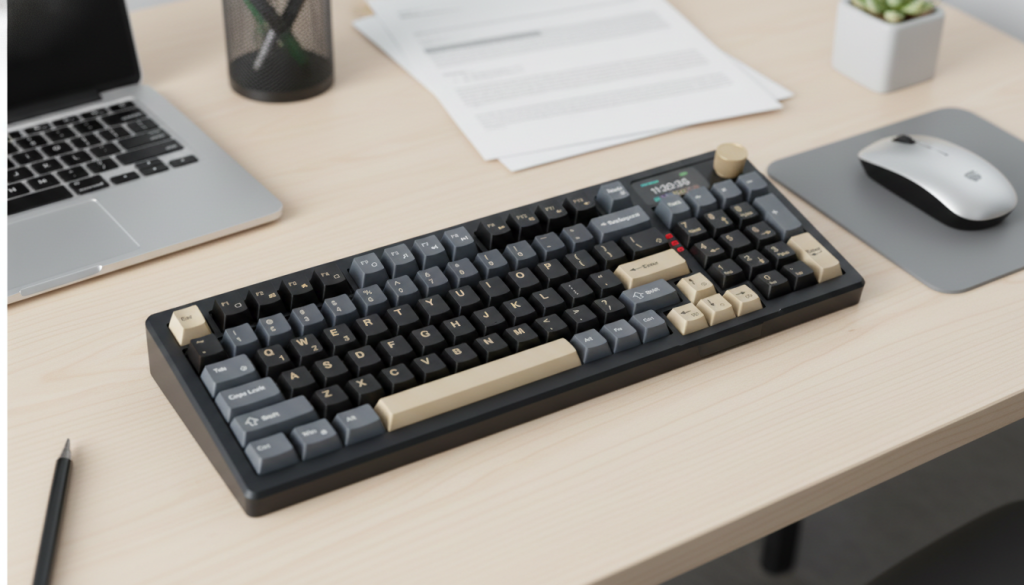
1) RedThunder K95 Wireless Mechanical Keyboard (Tri-Mode, TFT Screen + Knob)
Description
This one is the “feature monster” in the group: tri-mode wireless, a control knob, and a built-in screen. For productivity, that knob alone can be worth it—volume control during meetings is one of those things you miss when you don’t have it.
What it’s like for real work
If you like having quick controls at your fingertips and you switch devices often, it’s a convenient daily driver. Just keep the lighting subtle (or off) and it can still look office-friendly.
Pros
- Tri-mode connectivity is great for multi-device setups
- Knob is genuinely useful for work calls and music
- Hot-swappable switches = easy to customize later
- Feature-rich without needing extra software to feel “useful”
Cons
- The screen/extra features may feel unnecessary if you want minimalism
- Larger footprint than ultra-compact boards
- More “desk centerpiece” than “invisible office tool”
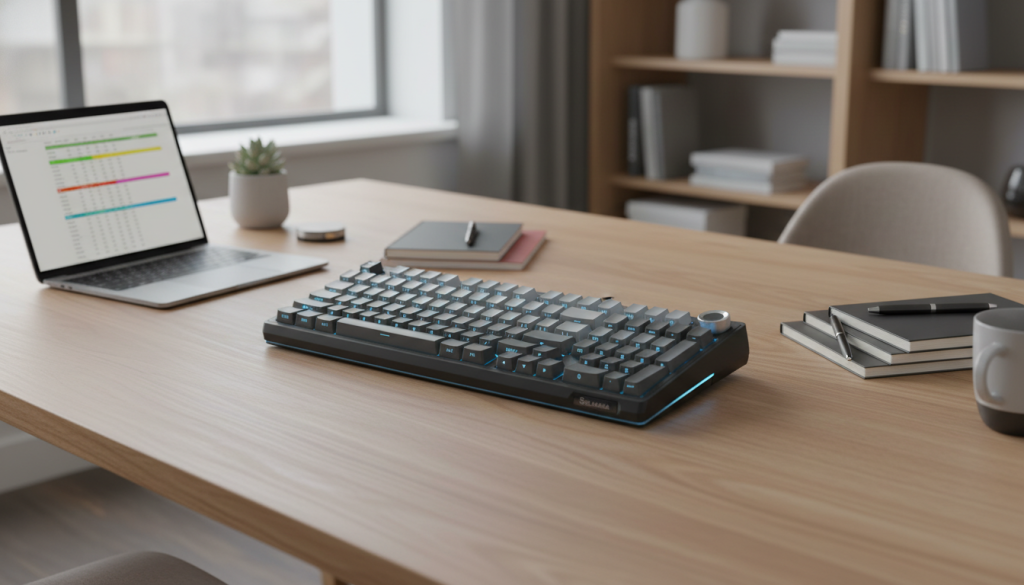
2) SOLAKAKA KI99 Pro 96% Wireless Mechanical Keyboard (Gasket, Hot-Swappable)
Description
A compact 96% layout built for people who want that “creamy” typing feel on a budget. It’s wireless, hot-swappable, and uses a gasket-style build—exactly the stuff that makes a keyboard feel less rattly and more premium.
What it’s like for real work
This is a strong pick if you type a lot and want a smoother sound profile. The 96% layout keeps the numpad, which is a big deal if you live in spreadsheets.
Pros
- 96% layout = productivity-friendly with numpad
- Gasket-style structure helps improve typing feel/sound
- Hot-swappable for easy long-term upgrades
- Wireless convenience for cleaner desks
Cons
- If you need the absolute quietest setup, you’ll want to choose switches carefully
- Some people prefer a dedicated volume knob for quick control
- Wireless is great, but wired is still the “never think about it” option
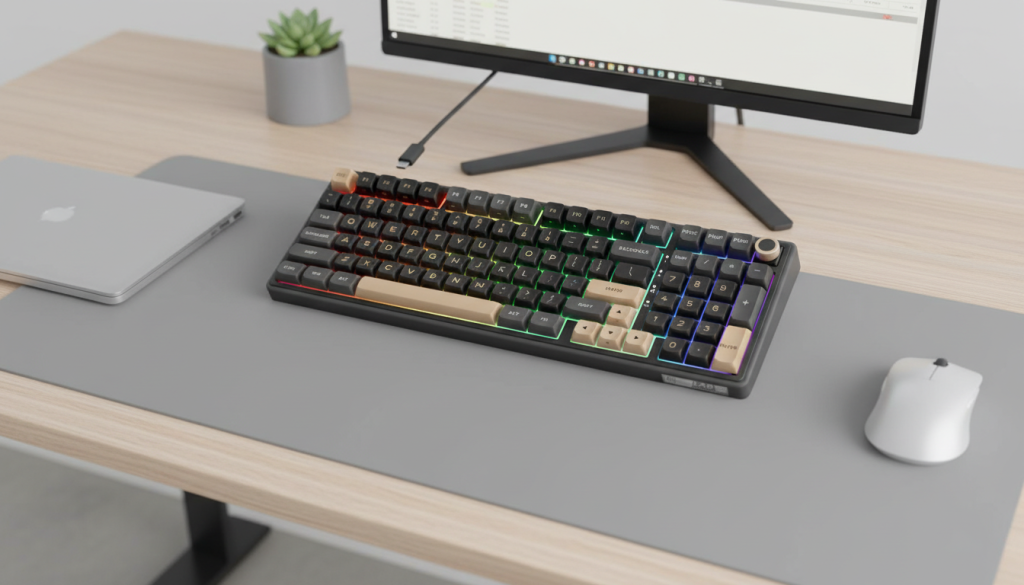
3) RK ROYAL KLUDGE R98 Pro Wired 96% Mechanical Keyboard (Knob, Gasket Mount, PBT Keycaps)
Description
If you want the most “work-first” vibe, this is it. A wired connection keeps things stable and simple, and you still get premium-ish features like a gasket-style build, hot-swappability, PBT keycaps, and a knob.
What it’s like for real work
This is the keyboard I’d put on a desk where reliability matters. Wired means no battery management and no wireless hiccups—just plug in and it works every day.
Pros
- Wired reliability (great for daily office use)
- Knob is perfect for volume control during meetings
- 96% layout keeps the numpad without taking over your desk
- Hot-swappable + PBT keycaps = strong long-term value
Cons
- Not as flexible if you move between devices often
- Wired cable management might not suit ultra-clean minimalist desks
- If you specifically want wireless, this isn’t the one
4) Redragon K556 PRO Wireless RGB Mechanical Keyboard (Tri-Mode, Aluminum Build, Hot-Swappable)
Description
This is the “tough build” option—often chosen for its sturdier feel thanks to an aluminum-style construction and tri-mode connectivity. It’s a practical pick if you want something that feels durable and holds up to heavy daily use.
What it’s like for real work
Even though it’s marketed with RGB vibes, you can keep the lighting off and it becomes a solid productivity board. The bigger win is the sturdy frame and flexible connectivity.
Pros
- Solid, sturdy feel for the price range
- Tri-mode is great for switching devices
- Hot-swappable makes it easy to fine-tune typing feel
- Good option if you want “durable first”
Cons
- A bit more “gamer-coded” unless you turn lighting off
- Heavier build isn’t for everyone
- Sound can depend heavily on your desk surface and switches
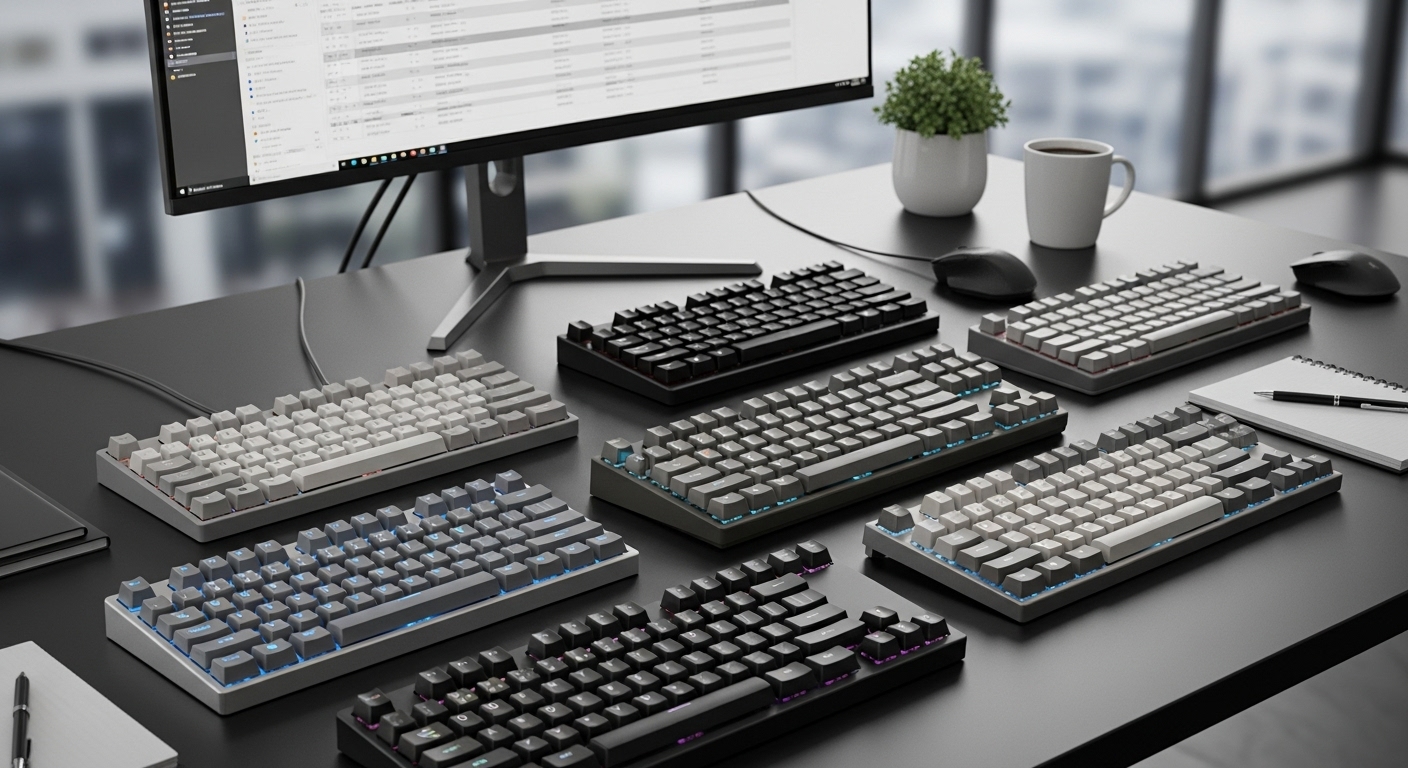
Comparison: which one fits your workflow?
If you want the cleanest, most productivity-first setup (and don’t care about wireless):
✅ RK ROYAL KLUDGE R98 Pro (Wired) — stable, knob, 96% layout, office-friendly.
If you want a “creamy” typing feel and a compact 96% wireless layout:
✅ SOLAKAKA KI99 Pro — strong pick for typing comfort + desk efficiency.
If you want maximum features and multi-device convenience:
✅ RedThunder K95 — tri-mode + knob + screen, great for hybrid setups.
If you want a sturdier build with wireless flexibility:
✅ Redragon K556 PRO — durable feel + tri-mode, just keep RGB off for office vibes.
My pick for “best budget productivity keyboard”
RK ROYAL KLUDGE R98 Pro (Wired) is the most “no-drama” choice for productivity: reliable connection, 96% layout with numpad, a knob you’ll actually use, and features that support a cleaner typing feel.
Quick buying tips (so it doesn’t feel too “gamer”)
- Turn RGB off or set a single white backlight (instant office look).
- Choose linear or silent switches if you share space (hot-swap makes this easy later).
- Use a desk mat if your keyboard sounds hollow on bare wood—huge difference.