Good aim isn’t about finding a “pro setting.” It’s about consistency. The right mouse sensitivity lets you turn, track, and flick without fighting your mouse—and without constantly changing settings.
This guide shows you how to set DPI and in-game sensitivity the right way, plus a simple test to lock in a sensitivity you can trust across sessions.
The goal (what you’re actually trying to achieve)
A good FPS sensitivity should let you:
- Track targets smoothly
- Make controlled flicks
- Turn 180° without lifting your mouse multiple times
- Aim for hours without wrist or forearm fatigue
If any of those feel hard, your sensitivity isn’t dialed in yet.
Step 1: Set your DPI first (don’t skip this)
What DPI really does
DPI controls how far your cursor moves per inch of physical mouse movement.
In FPS games, DPI works together with in-game sensitivity.
Recommended DPI range for FPS
- 400–800 DPI → most common for competitive FPS
- 800–1600 DPI → fine if you prefer lighter movement or higher-res monitors
👉 What matters most: pick one DPI and never change it.
Why consistency matters
Changing DPI changes how your muscle memory works. Even small changes can throw off aim more than you realize.
Choose one DPI → lock it in → forget it exists.
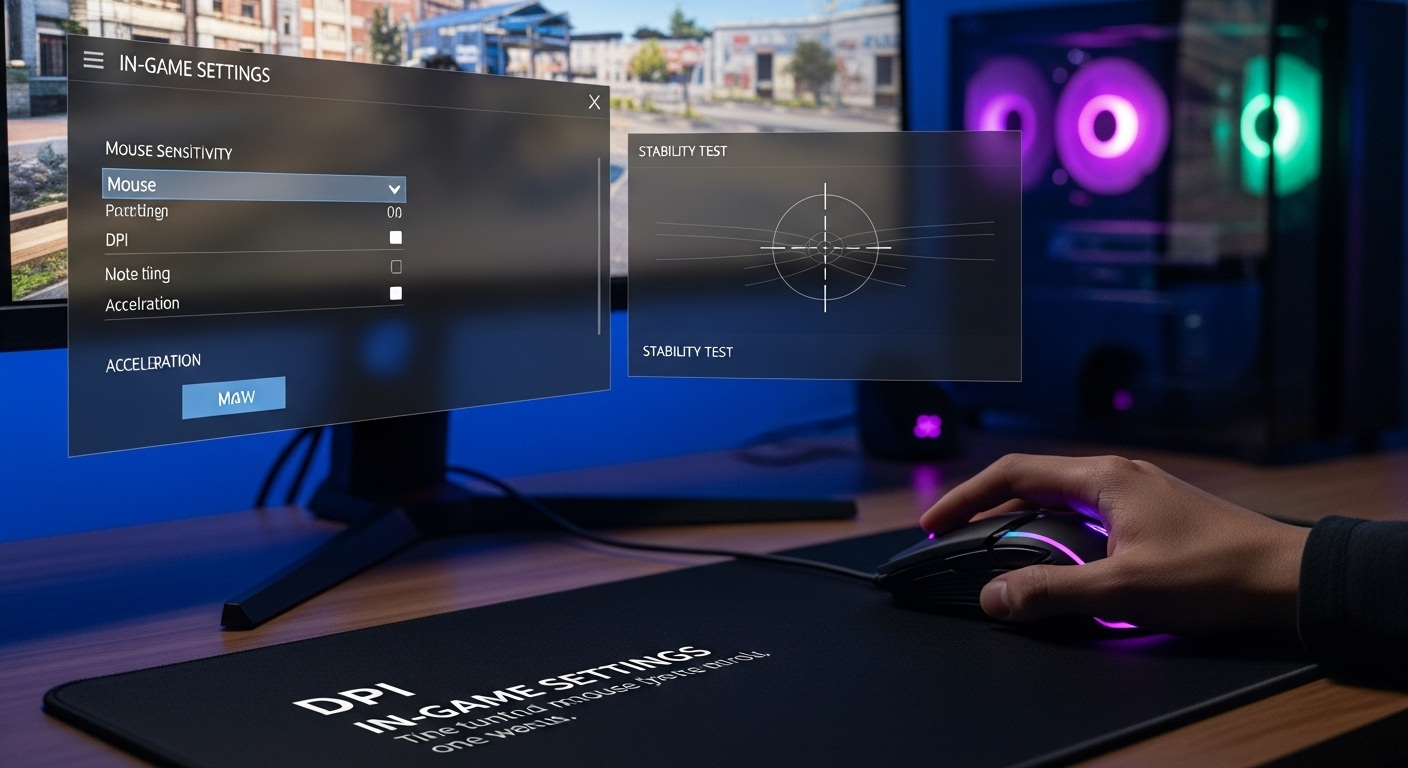
Step 2: Adjust in-game sensitivity (this is where aim lives)
The golden rule
Your in-game sensitivity should let you:
- Do a 180° turn with one comfortable swipe
- Still make small micro-adjustments without jitter
Quick setup method
- Load into a practice range or empty map
- Place your mouse in the center of the mousepad
- Swipe naturally to one side
Target result:
- One full swipe ≈ 180° turn
If you:
- Over-spin → lower sensitivity
- Can’t turn far enough → raise sensitivity
This alone fixes most bad setups.
Step 3: Find your eDPI (and stay near sane ranges)
What eDPI is
eDPI = DPI × in-game sensitivity
You don’t need to obsess over numbers—but ranges help.
Common competitive eDPI ranges
- Low sens (tracking-heavy): 200–400 eDPI
- Medium sens (balanced): 400–800 eDPI
- High sens (flick-heavy): 800–1200 eDPI
Most players perform best in the medium range.
👉 Lower sens = smoother tracking, more arm movement
👉 Higher sens = faster turns, more wrist movement
Step 4: Use this simple consistency test (no tools needed)
This test tells you if your sensitivity is stable.
The test
- Pick a wall with a small mark or target
- Aim at it
- Flick away
- Flick back to the same spot
- Repeat 10–15 times
What to watch for
- If you overshoot consistently → sensitivity is too high
- If you undershoot consistently → sensitivity is too low
- If you land close most times → you’re in the right zone
Consistency matters more than perfection.
Step 5: Match sensitivity to your playstyle
Low sensitivity works best if you:
- Play tactical FPS (CS2, Valorant)
- Prefer tracking over flicking
- Have a large mousepad
- Use more arm movement
Medium sensitivity works best if you:
- Play mixed FPS (Apex, Warzone)
- Want balance between tracking and flicks
- Don’t want extreme arm movement
High sensitivity works best if you:
- Play very fast games
- Use a small desk/mousepad
- Are naturally precise with wrist control
There’s no “wrong” style—only what you can repeat under pressure.
Step 6: Don’t sabotage yourself with bad settings
Turn these OFF (or neutral)
- Mouse acceleration
- Enhanced pointer precision (OS-level)
- Random DPI switching buttons
These destroy muscle memory.
Keep these consistent
- Same DPI
- Same in-game sensitivity
- Same mousepad position
Aim improves when variables disappear.
Step 7: Give your brain time to adapt
Once you choose a sensitivity:
- Do not change it for at least 5–7 days
- Expect 1–2 days of “this feels weird”
- Improvement comes after adaptation—not immediately
Constant tweaking is the fastest way to stay inconsistent.
Common mistakes to avoid
- Copying a pro’s sensitivity without context
- Using ultra-low sens on a tiny mousepad
- Cranking sens higher because you missed flicks
- Changing settings every bad game
Bad games happen. Bad habits last longer.
The optimal setup (for most FPS players)
If you want a safe starting point:
- DPI: 800
- In-game sensitivity: adjusted so 1 swipe ≈ 180°
- eDPI target: ~400–800
- Mouse accel: off
This works for the majority of players across most FPS titles.
Final takeaway
Great aim comes from repeatable movement, not perfect settings.
- Lock your DPI
- Tune in-game sensitivity for comfort
- Use the consistency test
- Stop changing settings