If your wrist or forearm starts feeling “tight” halfway through the workday, your mouse is often the quiet culprit. The right ergonomic wireless mouse can make long hours feel noticeably lighter—without changing how you work.
Disclosure: Some links may be affiliate links. As an Amazon Associate I earn from qualifying purchases.
Why an ergonomic wireless mouse matters for all-day work
Ergonomic mice are designed to reduce awkward wrist angles, spread pressure more evenly across your hand, and encourage a more natural forearm position. Wireless helps keep your desk cleaner and lets you move between laptop/desktop setups easily. In this roundup, I focused on three things that actually matter after week one: comfort (shape/grip), click feel (fatigue + noise), and battery life (or easy charging).
Top picks at a glance
- Best overall comfort (most people): AOC Vertical Ergonomic Mouse
- Best trusted, simple daily driver: Anker Vertical Ergonomic Mouse
- Best for multi-device flexibility: TECKNET Bluetooth + 2.4G Rechargeable Mouse
- Best budget vertical to test the style: Lekvey Vertical Ergonomic Mouse
- Best classic ergonomic shape (non-vertical): TECKNET 2.4G Ergonomic Optical Mouse
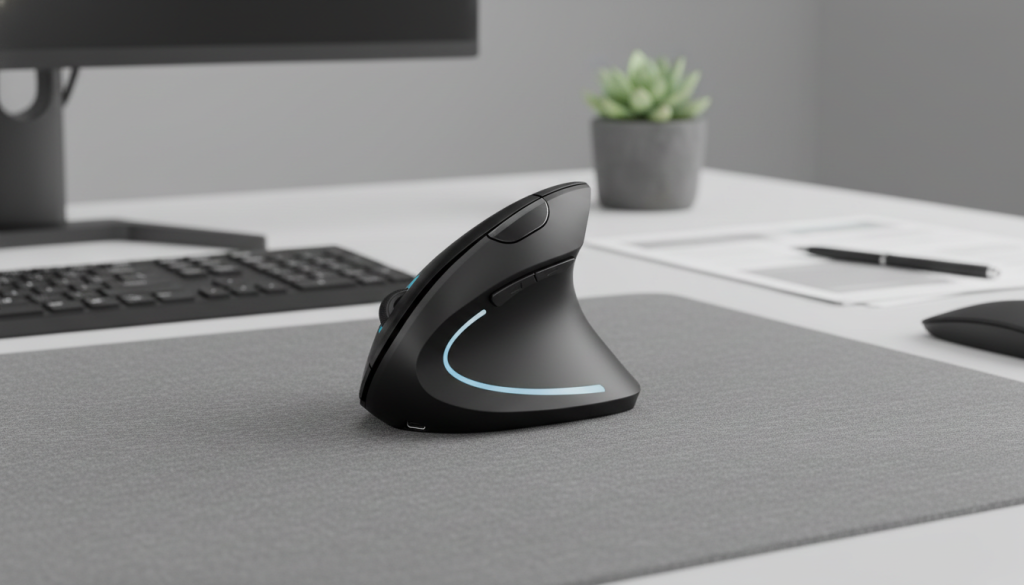
1) Lekvey Vertical Ergonomic Mouse (2.4G, Rechargeable)
What it feels like day-to-day
This is the kind of vertical mouse people buy when they’re curious about switching from a traditional shape but don’t want to overthink it. The upright grip encourages a more natural wrist position, and it’s easy to adjust to if you already “rest” your hand on the mouse rather than claw-grip it.
Notable features
- Vertical ergonomic shape to reduce wrist twist
- 2.4G USB receiver connection
- Rechargeable design (no constant battery swapping)
- Multiple DPI options for smoother cursor control
Pros
- Great “starter” vertical mouse for office work
- Simple setup: plug in the receiver and go
- Rechargeable is convenient for daily use
Cons
- Vertical shapes can feel bulky for small hands
- Buttons and scroll feel can be hit-or-miss at this price tier
- Best for steady work—less ideal if you do lots of fast precision edits
Best for
Anyone who wants to try a vertical mouse for long workdays without committing to a premium model.
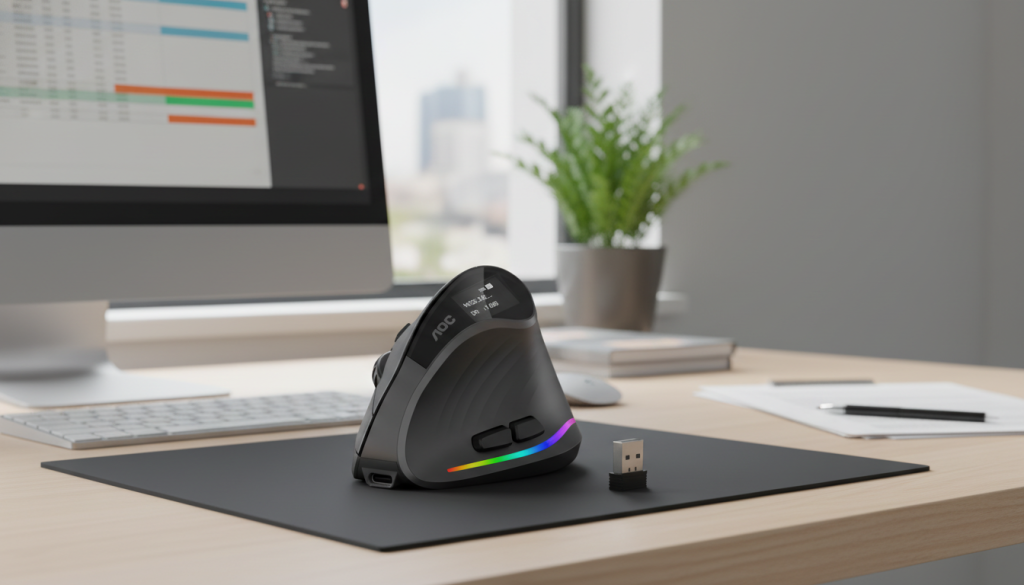
2) AOC 2.4GHz Ergonomic Vertical Mouse (Quiet Clicks, Adjustable DPI)
What it feels like day-to-day
If you want “vertical comfort” but also care about how the mouse sounds and feels in a real office environment, this one stands out. The quiet click makes a surprising difference—especially if you’re hammering through emails, spreadsheets, or ticket queues all day.
Notable features
- Vertical ergonomic design aimed at wrist comfort
- Quiet clicks for shared spaces
- Adjustable DPI for different screen sizes and work styles
- Wireless receiver connection for stable daily performance
Pros
- Quiet clicking reduces mental fatigue (and annoys coworkers less)
- Comfortable for long sessions once your grip adapts
- DPI steps make it easier to tune for dual monitors
Cons
- Vertical mice take a few days to feel “automatic”
- If you do a lot of detailed creative work, you may want a more premium sensor feel
- RGB/extra styling (if present) may not matter for office users
Best for
Most office workers who want a comfortable vertical mouse with a more refined “daily use” feel.
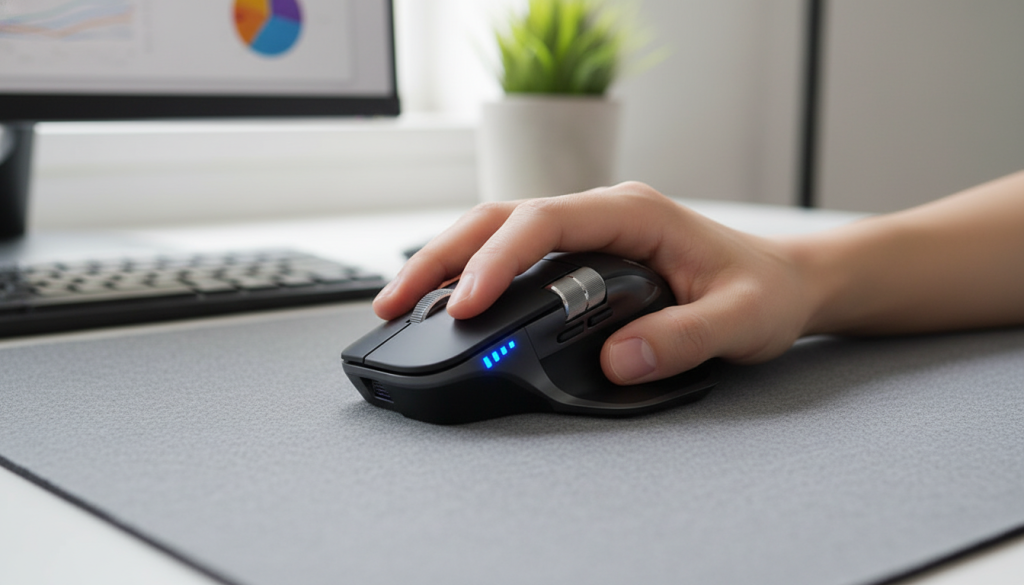
3) TECKNET Bluetooth Mouse (BT + 2.4G, Rechargeable, Multi-Button)
What it feels like day-to-day
This one leans more “modern productivity” than strictly ergonomic-vertical. The big win is flexibility: Bluetooth for one device, USB receiver for another, and you can switch depending on your setup. If you bounce between a work laptop and a home desktop, that convenience adds up fast.
Notable features
- Dual-mode connectivity (Bluetooth + 2.4G USB receiver)
- Rechargeable design
- Multiple DPI steps
- Extra buttons can help with forward/back or shortcuts
Pros
- Multi-device friendly without constant re-pairing headaches
- Rechargeable = less maintenance
- Extra buttons can speed up browsing and workflow
Cons
- Not everyone loves the “tall” ergonomic hump style
- Side buttons are great, but accidental presses can happen until you adjust
- Bluetooth performance can vary depending on your laptop’s adapter quality
Best for
Hybrid workers who switch devices often and want one mouse to handle both.
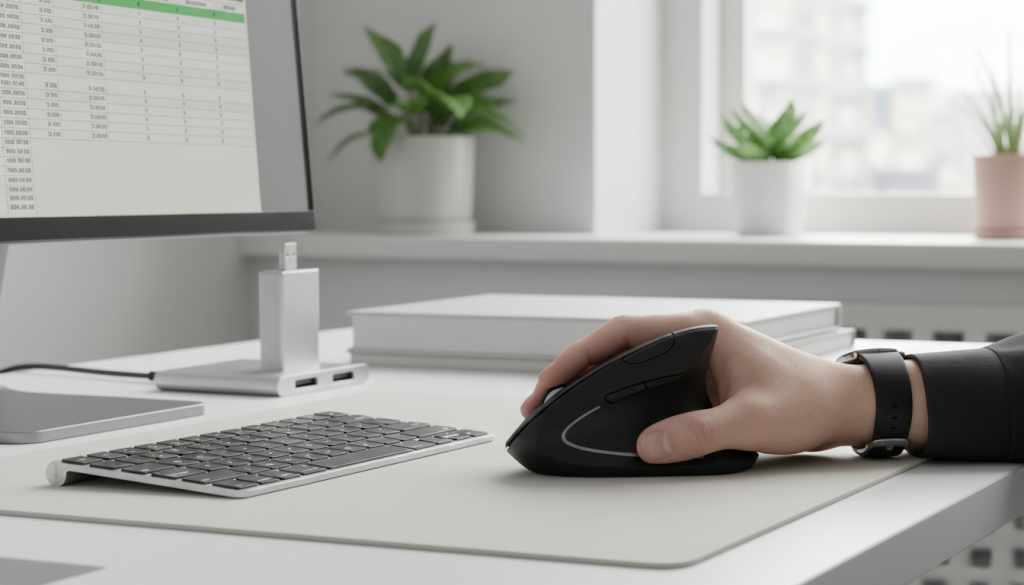
4) Anker 2.4G Wireless Vertical Ergonomic Mouse
What it feels like day-to-day
Anker’s vertical mouse is a classic “set it and forget it” option. It’s not trying to do everything—it focuses on comfortable vertical posture, predictable performance, and a no-drama work routine. If you’ve never loved fiddly software or flashy features, this is the vibe.
Notable features
- Vertical ergonomic design for wrist comfort
- 2.4G USB receiver connection
- Straightforward DPI steps for everyday work
- Solid build feel for the category
Pros
- Reliable daily driver for office tasks
- Comfortable for long stretches of clicking and scrolling
- Brand track record tends to be more consistent than random generics
Cons
- Vertical shape may feel slower for fast cursor movements at first
- Fewer “power-user” features compared to multi-mode models
- If you have very small hands, it may feel slightly large
Best for
People who want a dependable vertical ergonomic mouse for all-day work with minimal fuss.
5) TECKNET Wireless Mouse (2.4G Ergonomic Optical, Long Battery Life Style)
What it feels like day-to-day
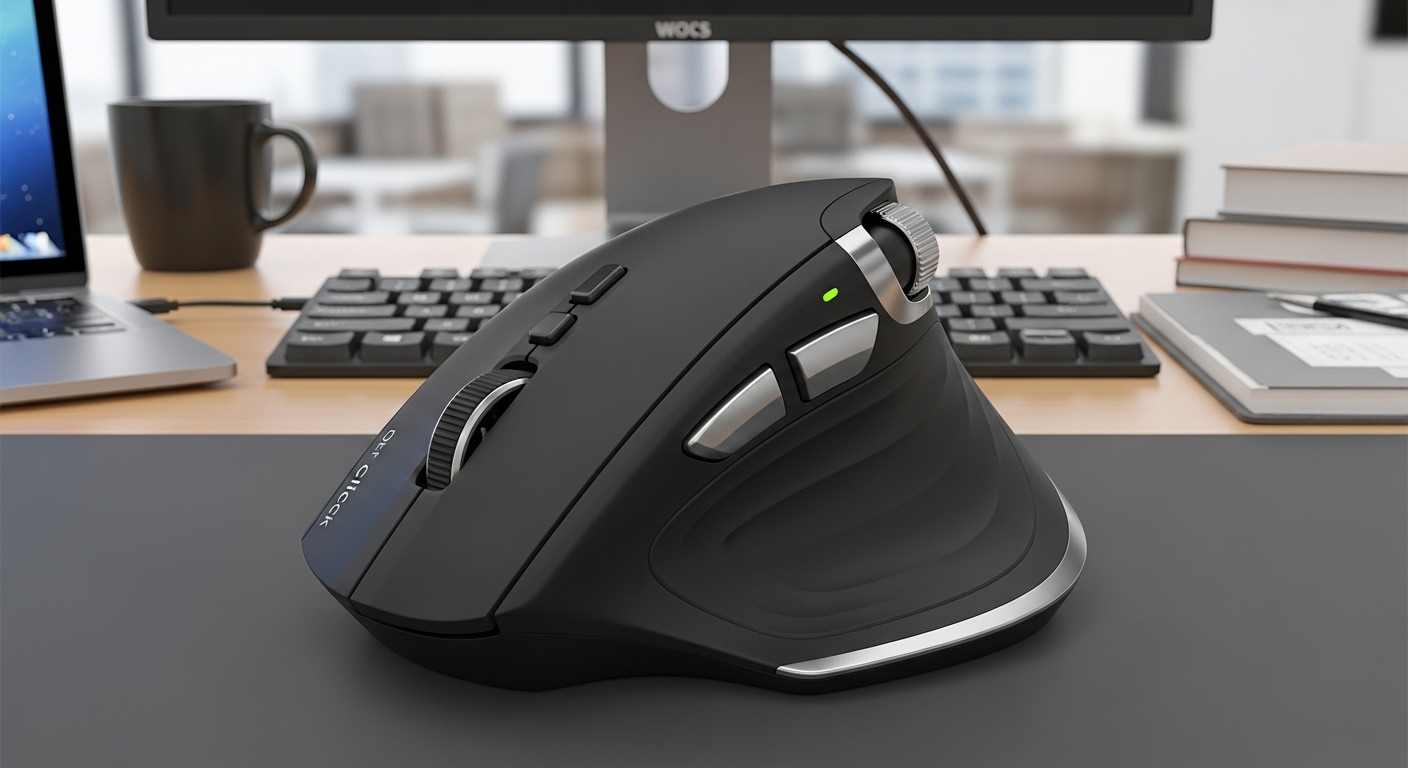
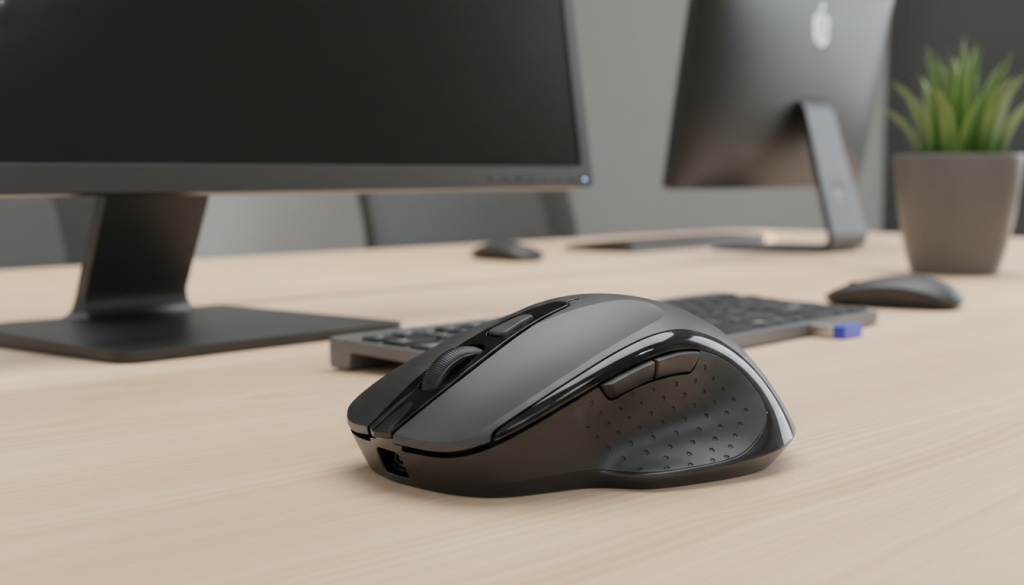
This is the more traditional ergonomic approach: a comfortable, right-hand-friendly shape that supports the palm without forcing a vertical grip. If you tried vertical before and didn’t love it, this style often feels immediately natural—especially for long documents, browsing, and general office work.
Notable features
- 2.4G wireless with USB receiver
- Ergonomic contoured shape (non-vertical)
- Multiple DPI levels for control on different screens
- Designed with long battery life in mind
Pros
- Easiest transition from a standard mouse
- Comfortable for general productivity without a learning curve
- Typically a strong value for everyday use
Cons
- Won’t reduce wrist rotation as much as true vertical designs
- Shape tends to favor medium-to-large hands
- “Ergonomic” here is comfort-focused, not posture-correcting
Best for
Anyone who wants a comfy, familiar mouse shape for long hours—without switching to vertical.
How these compare (comfort, click feel, battery convenience)
Comfort (wrist/forearm):
- Vertical styles (Lekvey, AOC, Anker) usually help more if wrist twist is your issue.
- The TECKNET non-vertical ergonomic option is great if you want comfort but hate the vertical learning curve.
Click feel (fatigue + noise):
- If noise and repeated clicks bother you, quiet clicks (like the AOC) can feel noticeably less draining in real life.
- Extra side buttons (TECKNET BT model) can reduce clicks by adding shortcuts—if you actually use them.
Battery / charging convenience:
- Rechargeable models (Lekvey, TECKNET BT) reduce maintenance.
- Long-life battery styles (often the TECKNET 2.4G) are great if you hate charging routines.
The best overall pick
AOC 2.4GHz Ergonomic Vertical Mouse is the most balanced “all-day work” option here: comfortable vertical posture, a more office-friendly click experience, and enough adjustability to fit different work setups.
If you want the simplest, most reliable daily driver
Go with the Anker Vertical Ergonomic Mouse. It’s the one I’d pick for a straightforward, dependable work mouse that doesn’t demand attention.
If you switch between devices a lot
Choose the TECKNET Bluetooth + 2.4G Rechargeable Mouse for the convenience of flexible connectivity.
Quick buying tips (so you don’t regret it)
- Give vertical mice 3–5 days. The first day can feel weird; by day three, it usually clicks.
- Match DPI to your screen size. Big monitors need higher DPI to avoid wrist over-travel.
- Check your grip style. Palm grippers tend to love these more than strict claw grippers.