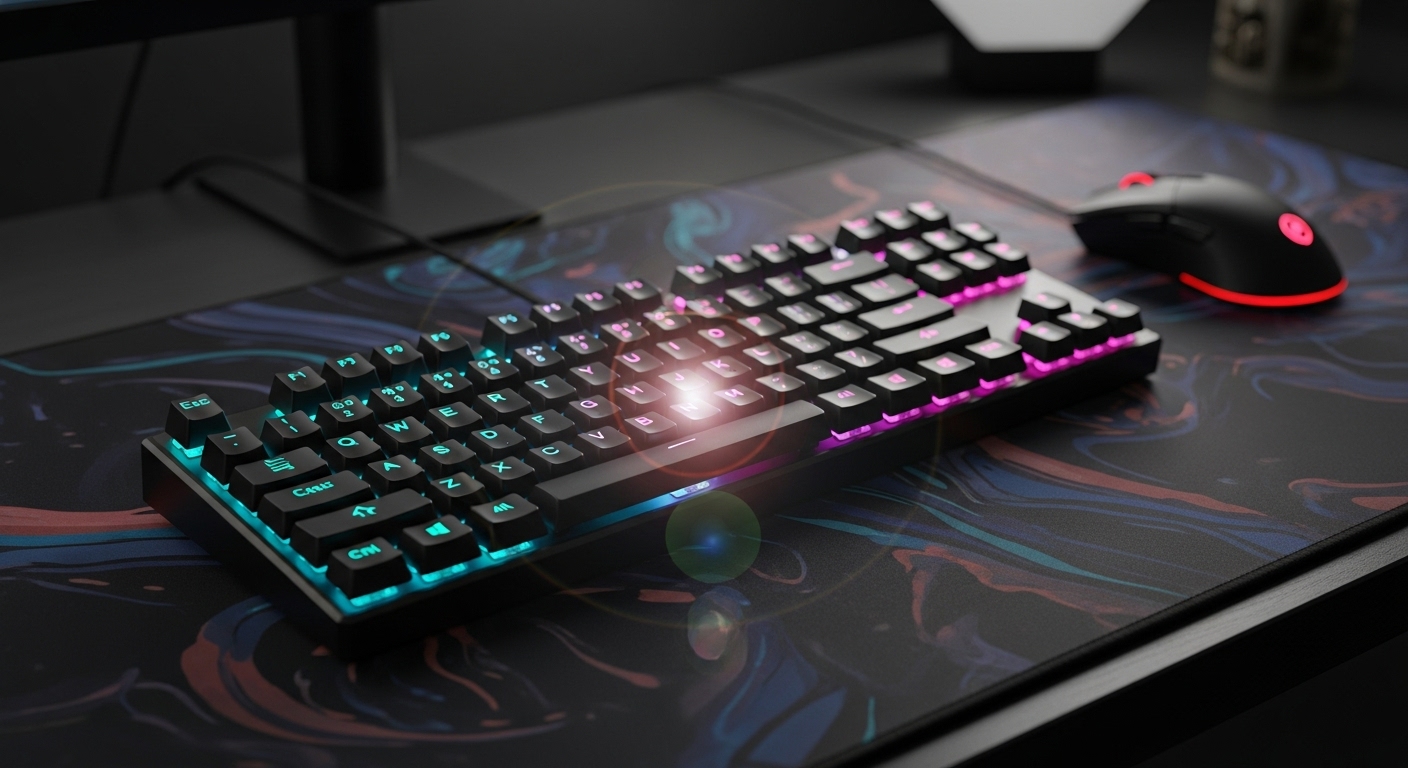
A compact keyboard is one of the easiest upgrades for gaming—more mouse room, cleaner desk setup, and faster hand positioning without reaching across a full-size board. The best 60%/65% keyboards also give you stable keys, solid switches, and consistent inputs so your movement and aim feel more controlled.
Disclosure: Some links may be affiliate links. As an Amazon Associate I earn from qualifying purchases.
Introduction
When you go smaller (60% or 65%), you’re trading the number pad and some extra keys for:
- More mouse space (huge for FPS)
- Less shoulder/arm movement
- Cleaner ergonomics on smaller desks
In this roundup, I prioritized:
- Fast, consistent inputs (especially for competitive play)
- Good stabilizers (spacebar, shift, enter shouldn’t rattle)
- Build quality (less flex, more solid feel)
- Layout practicality (65% with arrow keys is often the sweet spot)
- Wired vs wireless reliability (what actually matters in real use)
Standout features to look for
- 65% layout with arrow keys: Best balance for gaming + everyday use
- Hot-swappable switches: Easy upgrades later (no soldering)
- Gasket mount / solid case: Better feel and often cleaner sound
- Reliable wired mode: Competitive peace of mind
- Decent stabilizers: A good spacebar is the difference between “cheap” and “solid”
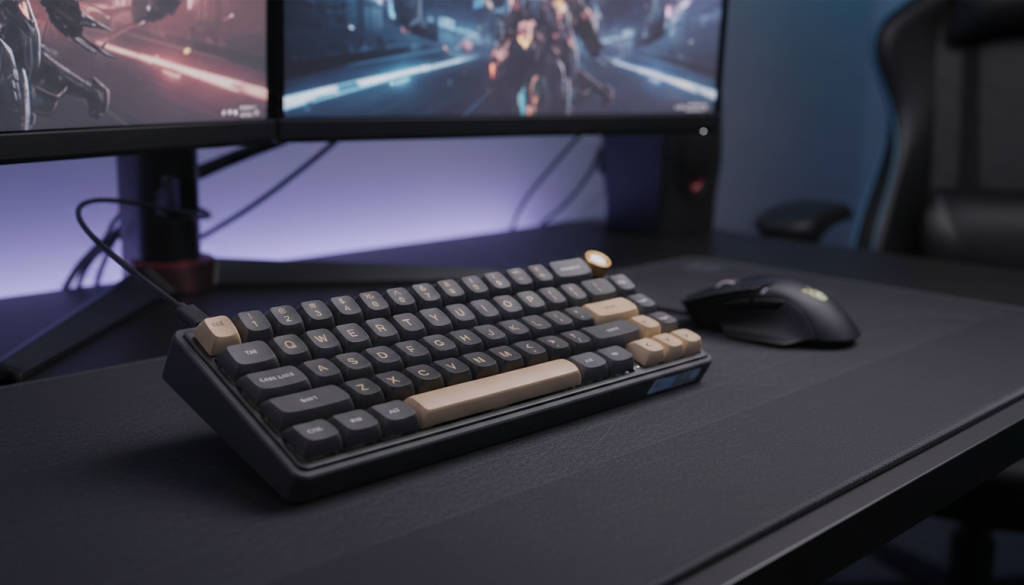
1) RK ROYAL KLUDGE R65 (Wired 60% w/ Volume Knob, Gasket Mount)
Description
A compact 60% board that tries to feel more premium than the typical budget option. The standout here is the gasket-style build and the volume knob, which is honestly useful even for gaming (quick audio changes mid-match).
What it’s like in real use
This one feels like a “mini premium” board—more stable, less hollow, and usually better to type on than the super-cheap 60% options. Great if you want a compact board that doesn’t feel like a toy.
Pros
- Gasket-style structure can improve feel and reduce harshness
- Volume knob is genuinely handy
- Compact 60% footprint = maximum mouse space
- Wired reliability for gaming
Cons
- 60% means no dedicated arrow keys (you’ll use Fn layers)
- If you do a lot of non-gaming typing, 65% may be more practical
- A knob is great—unless you prefer pure minimalism
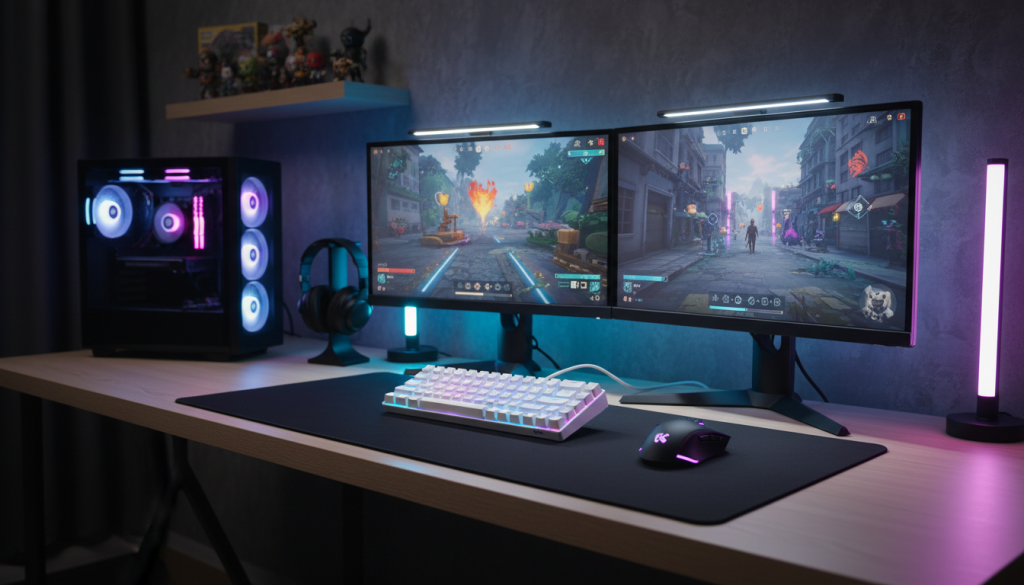
2) RK ROYAL KLUDGE RK68 (Wired 65% w/ Arrow Keys)
Description
If you want the compact gaming advantage but don’t want to lose arrow keys, this is the classic move. 65% layouts are popular because they feel “small” while still being usable for everyday tasks.
What it’s like in real use
This is a no-stress layout. You get more desk space, but you still keep the keys you actually miss on a 60% (arrows, sometimes a few navigation keys). For most gamers who also use their PC for everything else, 65% is the sweet spot.
Pros
- 65% layout with arrow keys = best balance for most people
- Wired = consistent performance, no battery management
- Compact but not “function-layer heavy” like many 60% boards
- Great starter compact board
Cons
- RGB styling can look gamer-ish (easy to turn off)
- Stabilizers can vary—some units feel better than others out of the box
- Not as “premium-feeling” as gasket-focused boards (depending on version)
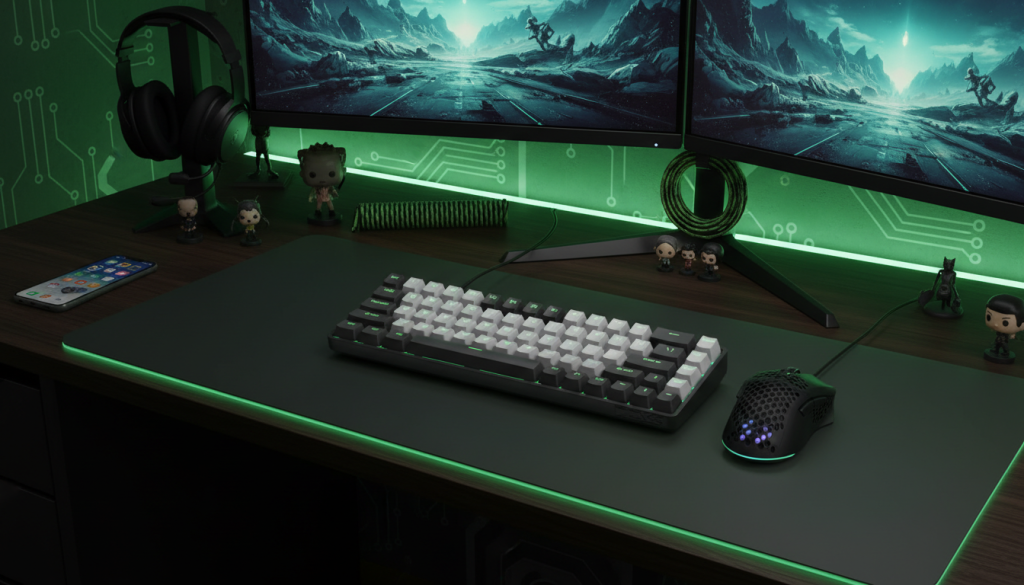
3) TMKB T68 (Tri-Mode Wireless 60%/65% Style, Wired/Wireless)
Description
A compact board with tri-mode connectivity (Bluetooth + 2.4G + wired), aimed at gamers who want flexibility—wired for ranked sessions, wireless for casual play or cleaner setups.
What it’s like in real use
The best part is being able to switch modes depending on what you’re doing. For competitive gaming, wired is still the safest. For everything else, wireless feels clean and convenient.
Pros
- Tri-mode is super practical for mixed setups
- 2.4G wireless is great when you want a clean desk
- Wired mode gives you competitive confidence
- Compact layout saves a ton of space
Cons
- Wireless boards vary more in consistency across devices
- If you hate charging, pure wired might suit you better
- Stabilizers and case feel can be more “budget” than premium compact boards
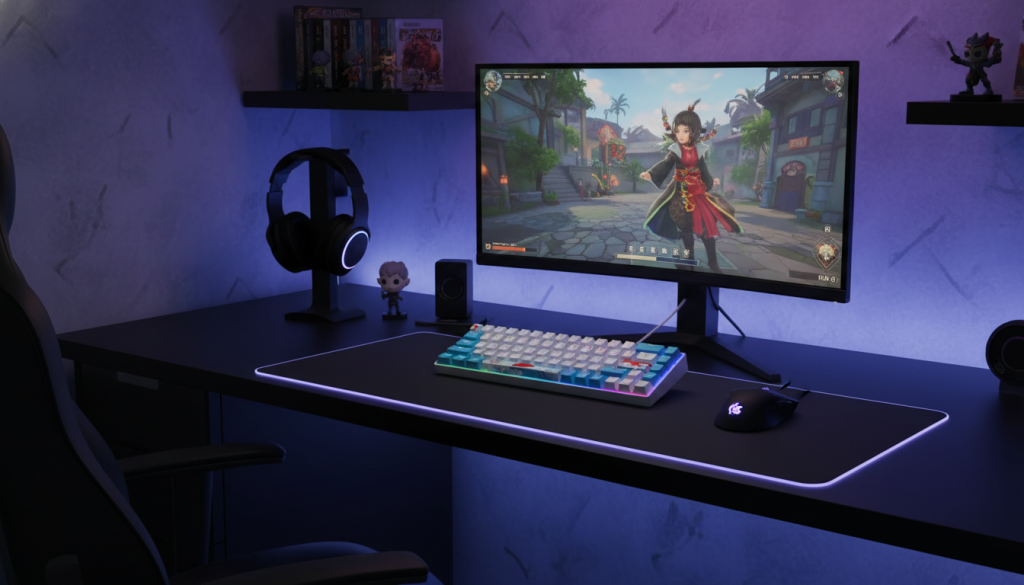
4) Owpkeenth Portable 60% Mechanical Keyboard (Wired, Ultra-Compact)
Description
This is the ultra-compact, travel-friendly type of 60% board—small footprint, simple wired setup, and easy to throw in a bag. If you want a compact keyboard for a secondary setup, it fits the role.
What it’s like in real use
Great for small desks and casual gaming. Just remember: 60% layouts are layer-heavy, so it’s best if you’re comfortable using function combos (or you mostly game and don’t need arrows constantly).
Pros
- Very compact—maximum mouse space
- Simple wired plug-and-play
- Good as a travel/backup compact keyboard
- Easy entry into 60% layouts
Cons
- 60% means more Fn shortcuts (arrows/navigation)
- “Portable” boards often feel lighter and less stable
- Stabilizers may not feel as refined as higher-end options
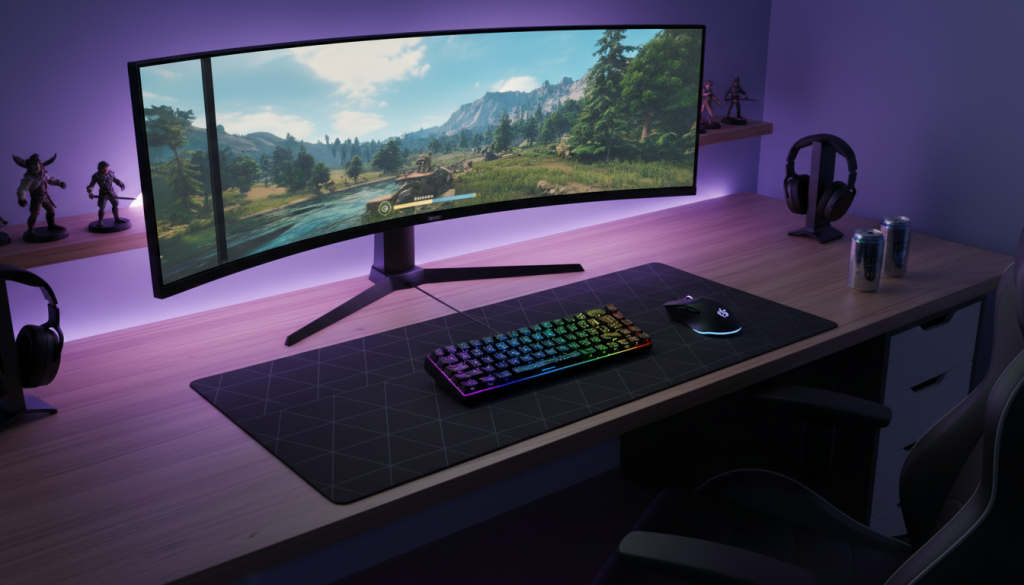
5) Snurpridir 65% Wired Gaming Keyboard (Ultra-Compact 68-Key Style)
Description
A budget-friendly 65% style board that keeps the layout more usable than a strict 60%. If you want compact for gaming but also need basic daily convenience, 65% is the safer bet.
What it’s like in real use
It’s the practical budget choice: you keep arrow keys, you get more mouse space, and it’s easy to use without constantly thinking about key layers.
Pros
- 65% layout is more comfortable for daily use than 60%
- Wired reliability
- Saves desk space without sacrificing too many keys
- Good entry-level compact option
Cons
- Often more “gamer” styling (RGB) unless turned off
- Stabilizers may need a little tuning to feel premium
- Lighter build can shift around without a desk mat
Comparison: which one should you choose?
Best overall layout for most gamers (gaming + everyday use):
✅ RK68 (65%) — arrow keys + compact footprint = easiest to live with.
Best “premium feel” compact wired option:
✅ R65 (gasket + knob) — great if you want compact but more solid/clean feel.
Best for mixed setups (wired for ranked, wireless for casual):
✅ TMKB T68 (tri-mode) — flexibility without locking you into one mode.
Best ultra-compact travel/backup option:
✅ Owpkeenth 60% — tiny, simple, easy to pack.
Best budget 65% alternative:
✅ Snurpridir 65% — usable layout, compact, straightforward.
My pick (optimal choice)
For most people, a 65% layout is the smartest choice because it keeps arrow keys and feels natural outside of gaming. From this list, the best overall “no regrets” pick is:
RK ROYAL KLUDGE RK68 (Wired 65%)
It gives you the compact gaming advantage without making you fight function layers every time you’re not in a match.
Quick tips to make any compact board feel better
- Turn RGB off (or single-color dim): instantly less “gamer vibe.”
- Use a desk mat: reduces sliding and improves sound/feel.
- If your spacebar rattles: stabilizer tuning (or different keycaps) makes a huge difference.
- Choose your layout wisely: 60% = max space; 65% = best daily usability.