A great gaming mouse shouldn’t make your hand feel tired after two matches. The best “lightweight-feeling” mice glide effortlessly, track perfectly, and disappear in your grip—so you focus on aim, not effort.
These are top picks that balance sensor accuracy, smooth movement, and comfort you can use for hours.
Disclosure: Some links may be affiliate links. As an Amazon Associate I earn from qualifying purchases.
Introduction
When people say “lightweight gaming mouse,” they usually mean one (or both) of these:
- Low actual weight (easy flicks, faster micro-adjustments)
- Lightweight feel in-hand (good balance + smooth skates + shape that doesn’t strain your grip)
For this roundup, I picked well-known mice that gamers actually stick with, and judged them on:
- Sensor accuracy (consistent tracking, no weird spin-outs)
- Glide (skates/feet feel + how effortless it moves)
- Fatigue factor (shape, balance, grip comfort, button effort)
- Buttons + scroll (crispy clicks, not tiring, no accidental hits)
- Wireless vs wired stability (and whether it matters for your setup)
Standout features to look for
- A proven sensor that tracks consistently at your preferred DPI
- Comfortable shape for your grip style (palm / claw / fingertip)
- Low button fatigue (clicks that feel crisp without being stiff)
- Good skates (smooth feet = less effort per movement)
- On-board memory (keeps your DPI/settings without needing software open)
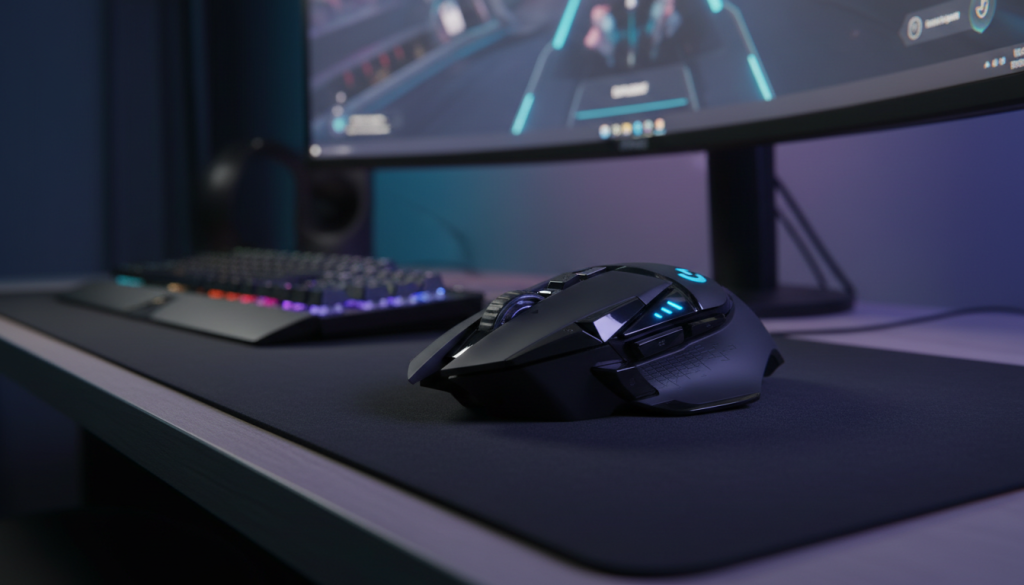
1) Logitech G502 LIGHTSPEED Wireless Gaming Mouse
What it is
A feature-packed wireless mouse with a high-performance sensor, extra buttons, and a shape that feels “locked-in” for control. It’s not the lightest on paper, but it can still feel surprisingly manageable because it’s stable and predictable.
What it’s like in real use
If you like lots of programmable buttons (MMOs, productivity macros, or just wanting everything on your thumb), this is a powerhouse. The tradeoff is that it’s more “anchored” than ultra-light mice—great control, less effortless flicking.
Pros
- Excellent tracking and consistent performance
- Tons of buttons for binds/macros
- Solid, confidence-inspiring grip for longer sessions
- Wireless convenience with a premium feel
Cons
- Heavier feel than true ultralight options
- More buttons = higher chance of accidental presses (until you adapt)
- Best for controlled aim, not pure speed/flick style
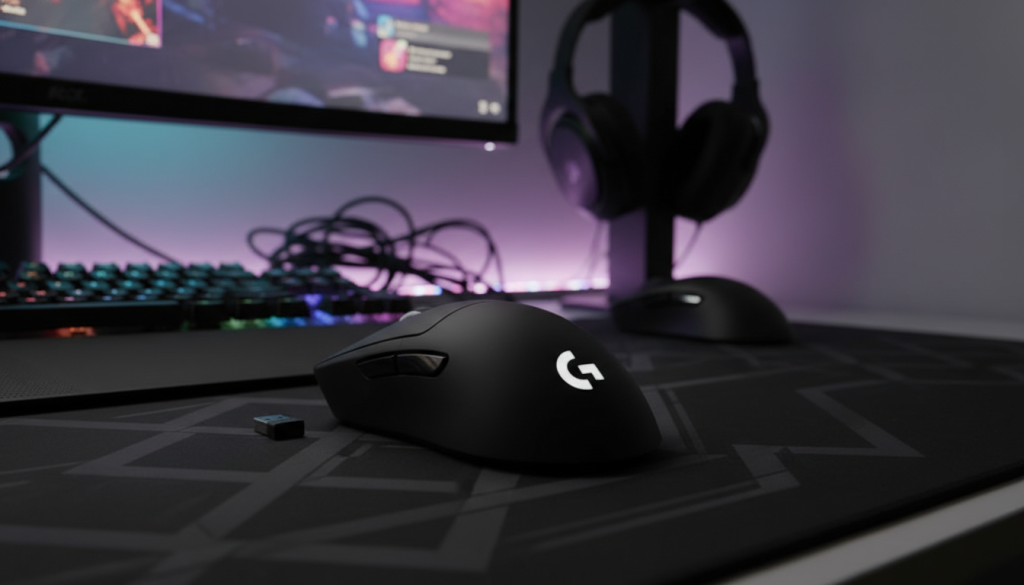
2) Logitech G PRO X SUPERLIGHT Wireless Gaming Mouse
What it is
This is the classic “no excuses” ultralight wireless pick. Minimal design, competition-friendly shape, and a weight that makes fast aim corrections feel easy.
What it’s like in real use
It’s the mouse that makes your hand relax. Less effort to start/stop movement = less tension in long sessions. If you play FPS and care about micro-adjustments, this is the one that feels almost unfairly smooth once you’re used to it.
Pros
- True ultralight feel that reduces hand fatigue
- Excellent sensor accuracy for flicks + micro-corrections
- Clean shape that works for many grip styles
- Wireless freedom without feeling “laggy”
Cons
- Minimal buttons (great for FPS, less great for macro-heavy games)
- If you prefer a bigger palm-filling mouse, it may feel small
- “Simple” design might feel too plain if you want extra controls
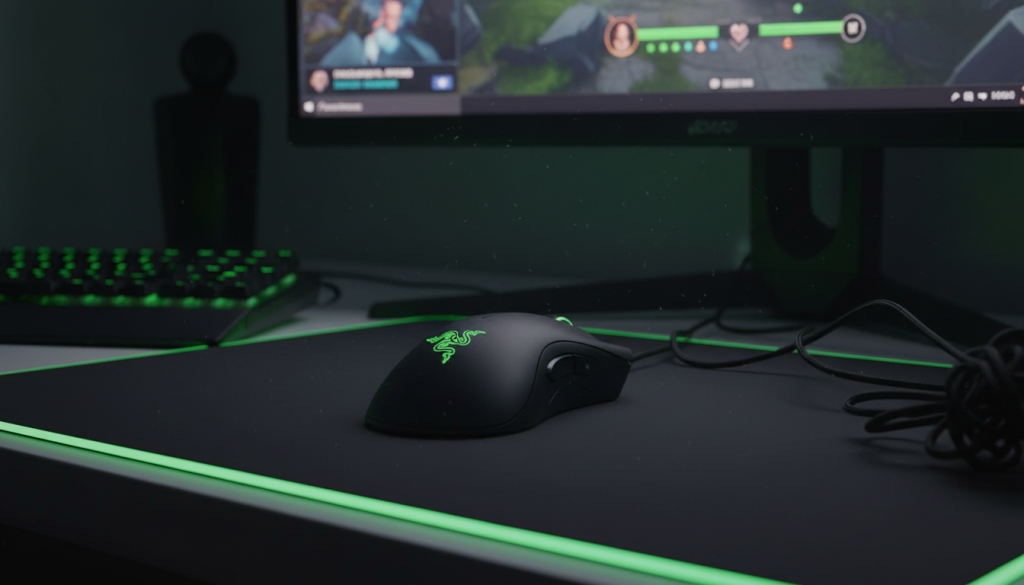
3) Razer DeathAdder Essential (Wired)
What it is
A wired classic with an ergonomic shape that fits a lot of hands. It’s not an ultralight mouse, but it often feels easy to use because the shape is comfortable and familiar—especially for palm grip.
What it’s like in real use
This is the kind of mouse you can recommend to someone who doesn’t want to overthink it. For gaming and general use, it’s straightforward: comfortable, dependable, and easy to control.
Pros
- Comfortable ergonomic shape (especially palm grip)
- Reliable wired performance (no charging, no pairing)
- Simple, practical button layout
- Good “starter” gaming mouse feel
Cons
- Not truly lightweight compared to ultralights
- Cable can add drag unless you use a mouse bungee or good routing
- Fewer premium touches than higher-end options
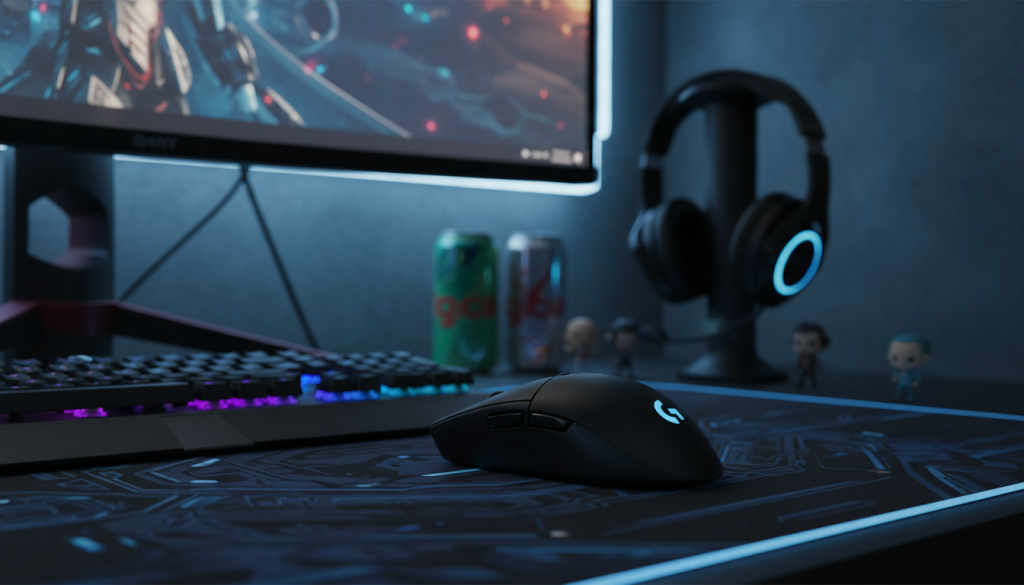
4) Logitech G305 LIGHTSPEED Wireless Gaming Mouse
What it is
A popular wireless option that’s known for strong performance and excellent battery life. It’s not the lightest body, but it’s efficient, consistent, and has that “grab-and-go” reliability.
What it’s like in real use
This mouse is a workhorse. If you want wireless gaming without worrying about charging all the time, it’s a great fit. The shape is compact, which some people love for claw/fingertip—but it can feel small for larger hands.
Pros
- Very reliable wireless performance
- Long battery life vibe (less maintenance)
- Great value as a daily gaming mouse
- Easy to toss in a bag for laptop + gaming setups
Cons
- Compact shape may cramp large hands over long sessions
- Not the smoothest “ultralight glide” feel out of the box vs premium skates
- Heavier feel than true ultralights (especially for fast flick players)
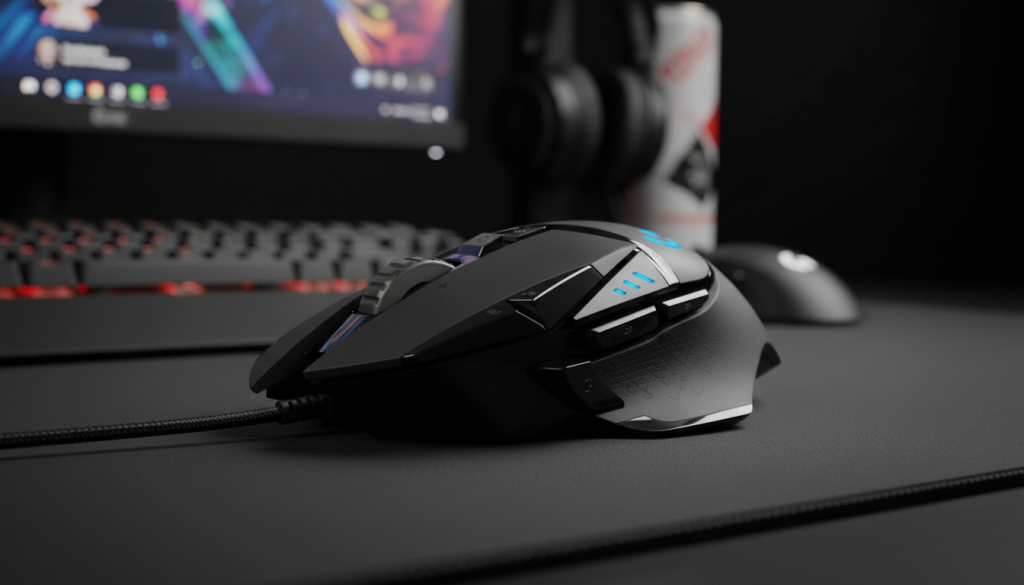
5) Logitech G502 HERO Wired Gaming Mouse
What it is
The wired version of the G502 style: high control, lots of buttons, and a stable, grippy shape. Again: not ultralight, but extremely dependable for players who want control and features.
What it’s like in real use
If you love having plenty of buttons and a mouse that feels planted, this is hard to beat. Wired means consistent performance and zero battery thoughts—just plug in and play.
Pros
- Consistent wired performance and strong sensor accuracy
- Tons of programmable buttons
- Comfortable, locked-in feel for control
- Great for mixed use (gaming + productivity)
Cons
- Cable management matters (can add drag)
- Heavier feel than speed-focused mice
- Overkill if you only need 2 side buttons and a clean shell
Comparison: which one should you choose?
If you want the best true lightweight competitive feel:
✅ Logitech G PRO X SUPERLIGHT — easiest flicks, least fatigue, clean FPS-first design.
If you want wireless value + “set it and forget it” battery life:
✅ Logitech G305 LIGHTSPEED — reliable and practical.
If you want comfort-first shape with simple wired reliability:
✅ Razer DeathAdder Essential — easy to recommend, especially for palm grip.
If you want maximum buttons and control (FPS + MMO + productivity):
✅ Logitech G502 LIGHTSPEED (wireless) or G502 HERO (wired) — choose based on whether you prefer wireless freedom or plug-in simplicity.
The optimal choice (my honest pick)
For the theme of this article—lightweight feel, effortless glide, and minimal hand fatigue—the best overall pick is:
Logitech G PRO X SUPERLIGHT
It’s the one that most clearly delivers that “my mouse disappears in my hand” feeling during long sessions, with sensor performance that stays consistent when you speed up.
Quick tips to get a more “lightweight” feel (even if your mouse isn’t ultralight)
- Use a quality mousepad: Glide improves more than most people expect.
- Lower your grip tension: Ultralight mice shine when you stop death-gripping.
- Dial in sensitivity: Too low DPI can make any mouse feel “heavy” because you’re constantly dragging.
- Cable routing matters (wired): A poorly routed cable can ruin glide.