If you’ve ever lost a fight because you couldn’t tell where footsteps were coming from, you already know the pain. A good gaming headset doesn’t just sound “loud”—it gives you clean directional imaging, so footsteps feel placed in space, not smeared into noise.
Below are standout picks that focus on footstep clarity, usable mics, and comfort you can wear for hours.
Disclosure: Some links may be affiliate links. As an Amazon Associate I earn from qualifying purchases.
Introduction
For competitive shooters (and even most battle royale games), the biggest headset difference is imaging—how accurately the headset places sounds left/right and front/back. “Surround sound” marketing helps sometimes, but in real use, clarity often comes from:
- Clean mids/highs (where footsteps and reload cues live)
- Good separation (so explosions don’t bury small sounds)
- Comfort + clamp force (because pain = distraction)
- Mic that doesn’t ruin comms (clear enough for teammates)
In this roundup, I focused on:
- Footstep clarity and positional cues
- Mic quality for Discord/party chat
- Comfort (pads, headband pressure, weight distribution)
- Connection type (USB/3.5mm) and platform friendliness
What to look for (quick buying guide)
- Over-ear fit + decent pads: Better isolation = clearer quiet sounds.
- Not overly bass-heavy tuning: Too much bass can mask footsteps.
- Mic with noise handling: Helps in loud rooms or with PC fan noise.
- Simple controls: Volume/mute you can hit fast mid-match.
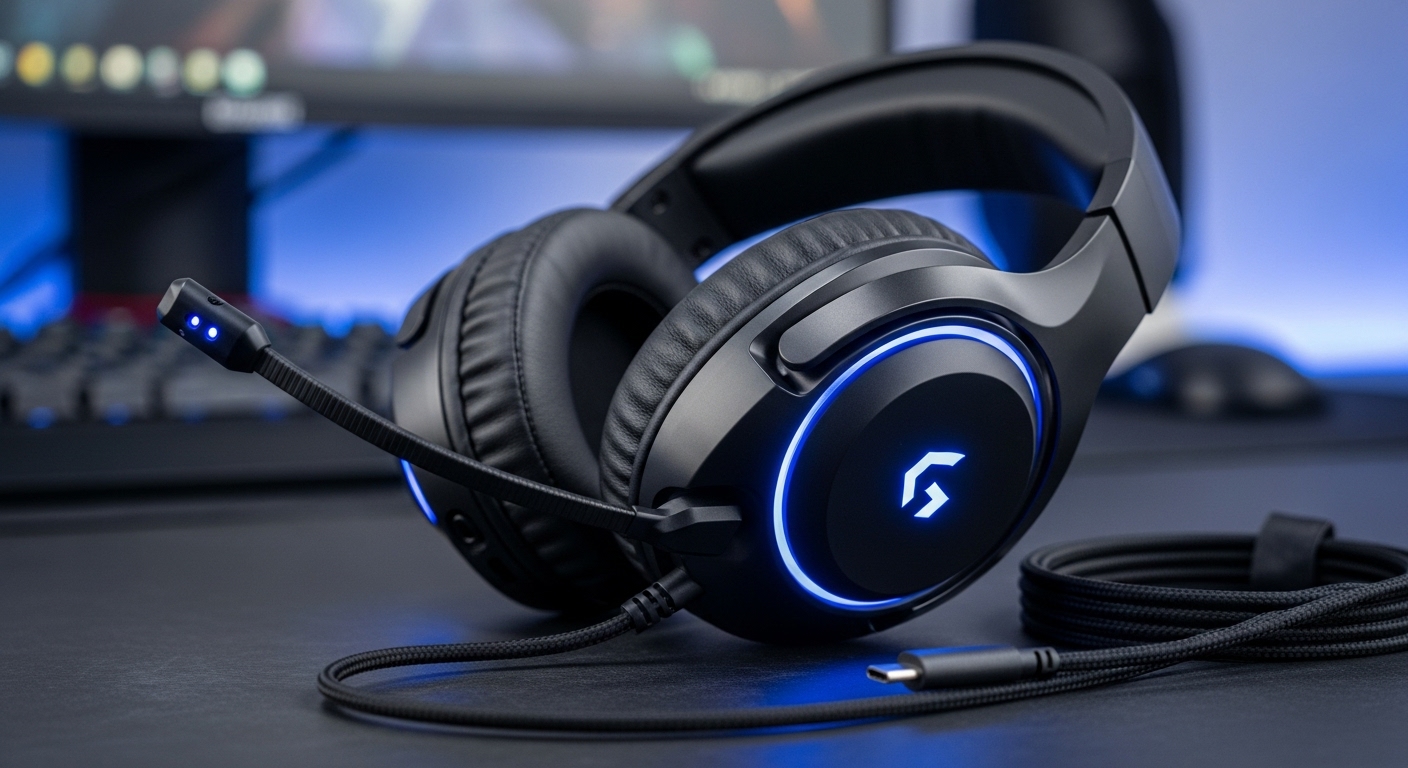
1) FIFINE Wired USB Gaming Headset (7.1 Surround, AmpliGame H13BP style)
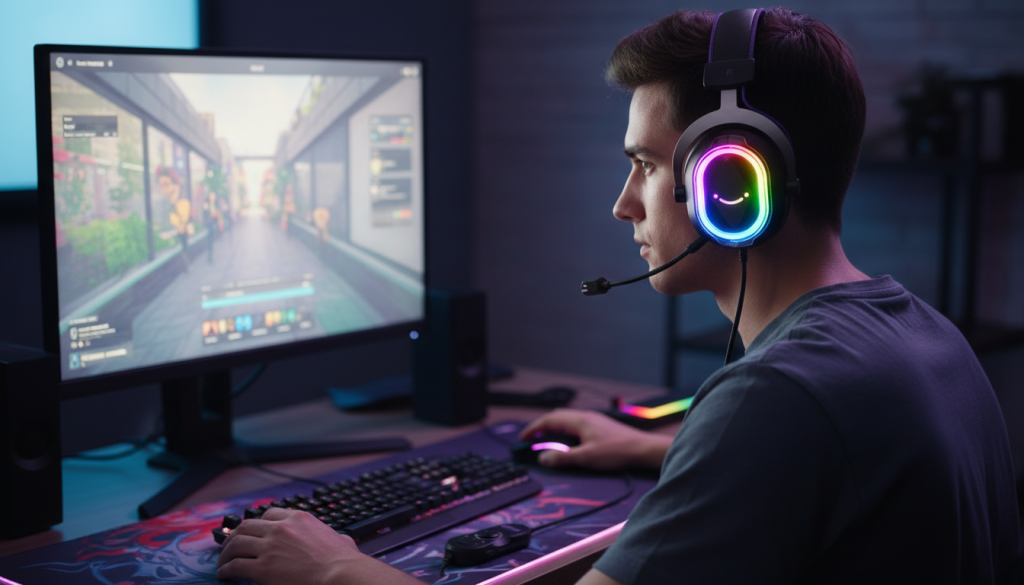
Description
This is the “plug into PC and go” option. USB headsets are convenient because you get consistent volume and controls without worrying about your motherboard’s audio quality.
Footstep clarity (real talk)
When tuned well, USB headsets like this can do solid directional cues for the price—especially for casual-to-competitive play. The main thing is keeping EQ balanced (don’t crank bass).
Mic + comfort
The mic is designed for gaming chat and generally does the job clearly. Comfort tends to be solid for longer sessions thanks to the over-ear design—just watch clamp force if you have a larger head.
Pros
- Easy USB setup for PC
- Convenient inline controls
- Solid positional performance when not bass-boosted
- Good “all-in-one” value feel
Cons
- “7.1” can sound weird in some games if enabled blindly
- RGB/flashy styling isn’t for everyone
- Best on PC; console compatibility varies by USB support
2) FIFINE Wired Gaming Headset (Detachable Mic, 7.1-style branding, AmpliGame H9 style)
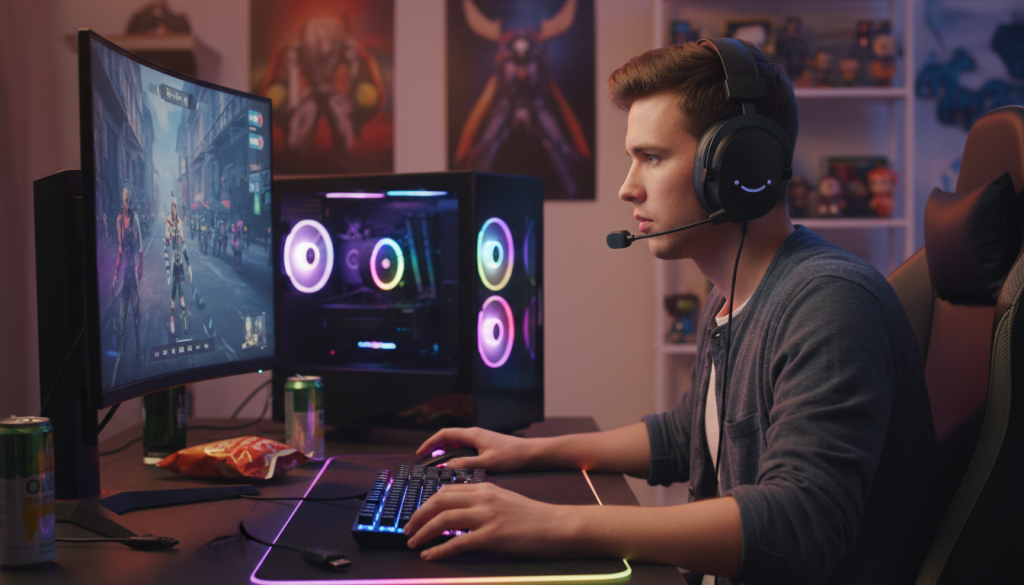
Description
A flexible wired headset with a detachable mic and a simple control box. This style is nice if you sometimes want to use the headset without the mic (or replace it later).
Footstep clarity
Directional cues are usually decent here, especially if you keep game audio clean and avoid heavy bass settings. It’s a good pick if you want clear comms and a straightforward headset.
Mic + comfort
Detachable mic is a plus for longevity. Comfort is typically “safe” for most people, but you’ll want to adjust the headband properly to avoid top-of-head pressure after a few hours.
Pros
- Detachable mic adds flexibility
- Straightforward controls
- Good for long sessions if adjusted right
- Clean, simple daily-gaming headset vibe
Cons
- Not the most “audiophile” detail retrieval
- Inline control boxes can be a little fiddly mid-game
- Some games sound better in stereo than virtual surround
3) havit H2002d Gaming Headset (53mm Drivers, Multi-Platform Style)
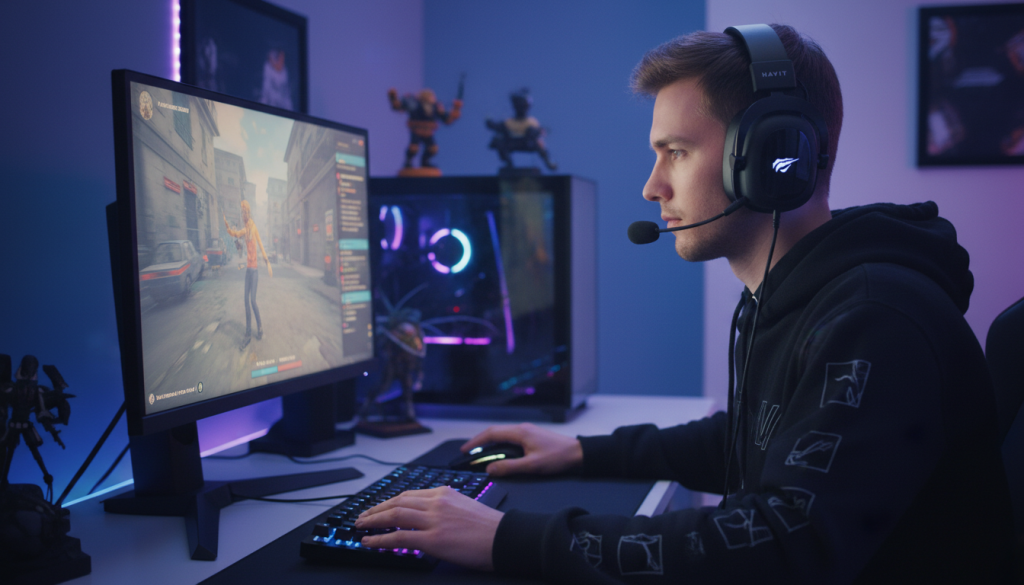
Description
This is a popular budget pick that a lot of gamers buy as a first “real” headset upgrade. Big drivers and a simple, sturdy design make it appealing for long sessions.
Footstep clarity
This headset can deliver good “presence” for game audio, but the key is keeping low-end under control so it doesn’t drown footsteps. In shooters, a slightly reduced bass setting often improves footstep detection a lot.
Mic + comfort
The mic is fine for party chat and casual competitive. Comfort tends to be good—especially if you like padded cups and a stable headband.
Pros
- Strong value for everyday gaming
- Comfortable over-ear fit for long sessions
- Works well across common platforms (depending on connector)
- Good overall “fun” sound
Cons
- Bass can be a bit much out of the box for pure footstep focus
- Imaging may feel less precise than higher-end competitive headsets
- Mic quality is solid, not studio-clean
4) FIFINE Gaming Headset (Wired USB, 7.1 Surround + EQ Mode, RGB style)
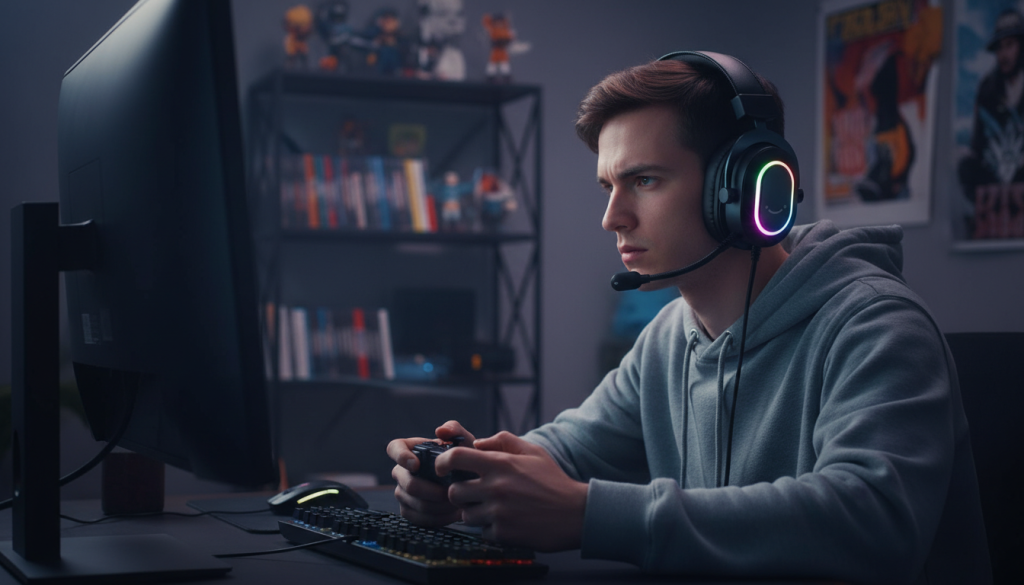
Description
A USB wired headset that leans into “gaming features,” often including an EQ mode and RGB. If you like quick tweaking, the EQ option can be useful—especially for footsteps.
Footstep clarity
This one can work well if you use EQ to bring up mids/highs and keep bass controlled. For footsteps, you want crisp detail rather than rumble.
Mic + comfort
Built for chat, usually clear enough for Discord. Comfort is decent for long sessions with soft pads—just take short breaks to avoid heat buildup.
Pros
- USB convenience + consistent performance
- EQ mode can help highlight footsteps
- Comfortable pads for long sessions
- Good for stream/PC desk setups
Cons
- Gaming styling may be too flashy for some
- Virtual surround can be hit-or-miss depending on game
- Better on PC than mixed console use
5) A36 Gaming Headset with Microphone (Wired, Multi-Platform Style)
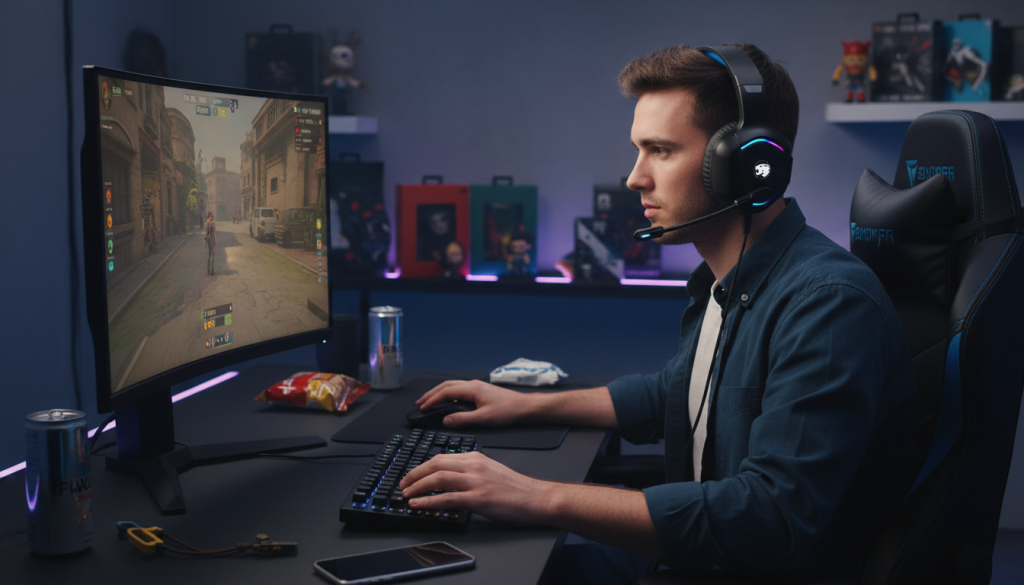
Description
This is the budget-friendly, straightforward option for gamers who want usable audio + mic without overthinking features. It’s the kind of headset you buy for casual play, school breaks, or as a backup.
Footstep clarity
Footsteps can be audible, but absolute precision depends on tuning. For competitive shooters, you’ll usually want to lower bass and raise the mids slightly (either in-game or with simple EQ if available).
Mic + comfort
Mic is typically “good enough” for teammates, and comfort depends on head size and clamp. For the price, it’s usually a decent starter.
Pros
- Simple, affordable entry option
- Works across many devices (depending on connector)
- Mic is fine for comms
- Good backup headset to keep around
Cons
- Detail retrieval and imaging won’t match higher-tier headsets
- Build and pad quality can vary more at this level
- Best for casual-to-regular gaming, not ultra-competitive focus
Comparison: which one is best for footsteps?
Best overall for footstep tuning + PC convenience:
✅ FIFINE USB headset with EQ/7.1 options (the model with EQ mode) — easiest to tweak for shooters.
Best simple “plug and play” PC pick:
✅ FIFINE USB 7.1 style headset (H13BP type) — solid directional performance when used in stereo or mild surround.
Best value for comfort + everyday gaming:
✅ havit H2002d — comfy, fun sound; just reduce bass for footsteps.
Best budget backup option:
✅ A36 — gets the job done for casual play and comms.
My pick (optimal choice)
For the specific goal of footstep clarity + positional cues, I’d choose the FIFINE USB gaming headset with EQ mode because it gives you the easiest path to the sound profile that actually helps in shooters: clean mids/highs, controlled bass, and usable chat controls.
Quick settings to boost footstep clarity (works in most games)
- Use stereo first. Virtual surround can help sometimes, but stereo is often more accurate for imaging.
- Lower bass a notch. Explosions mask footsteps.
- Boost mids slightly (where footsteps and movement cues sit).
- Keep volume moderate. Too loud reduces clarity and increases fatigue.